The Bitbase VIP Bot admits members to your group only if they registered through your referral and meet the activity level you set. This guide covers the steps you carry out in Telegram and Discord. Bitbase configures the bot.
Before you start
A few things go to your Bitbase contact — the full list is in Send Bitbase your configuration below.
The images below are UI diagrams, not real screenshots.
Part 1 — Telegram
Step 1 · Add the bot to your group
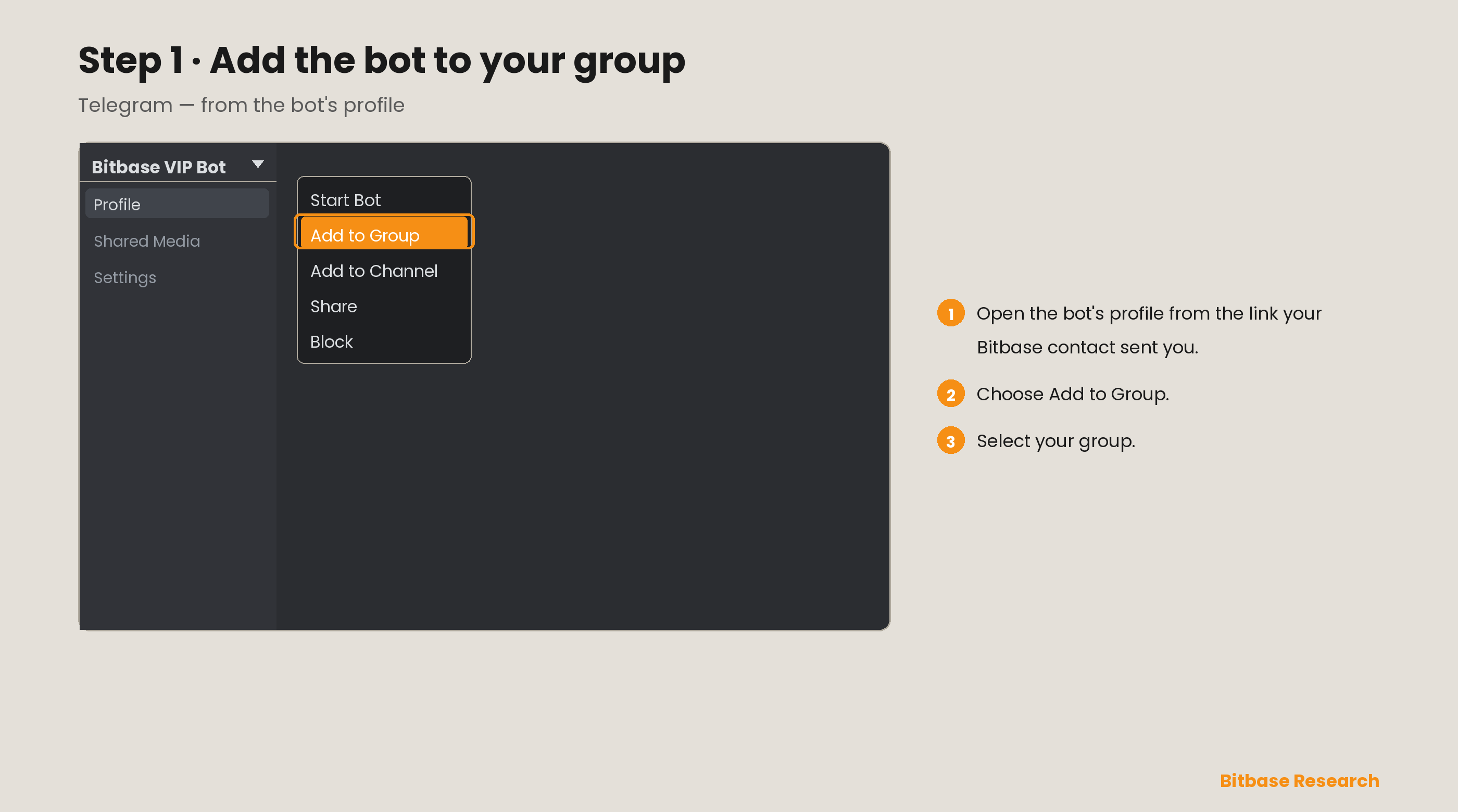
Open the bot profile your Bitbase contact sent you. Choose Add to Group, then select your group.
Step 2 · Make the bot an administrator
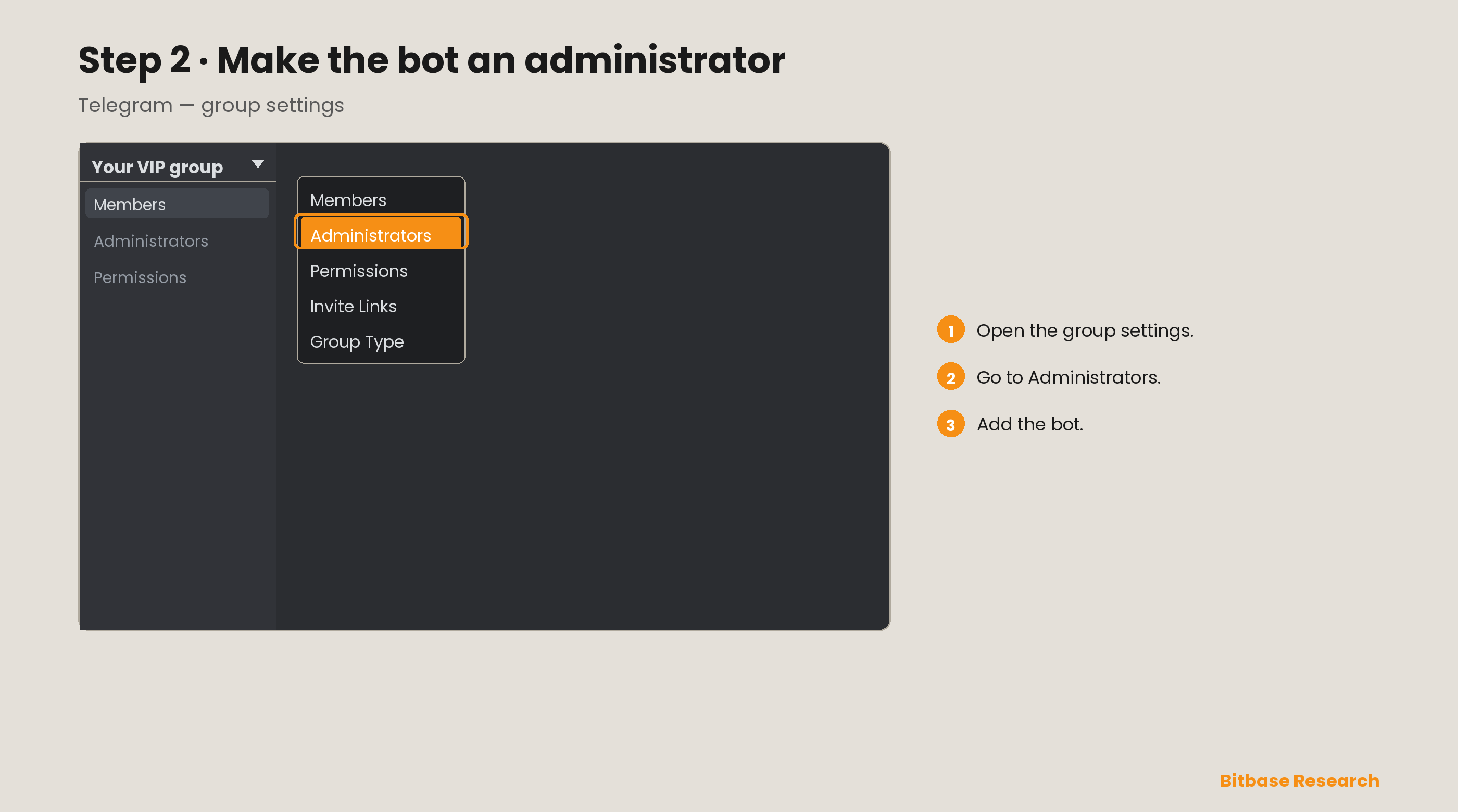
Open the group settings, go to Administrators, and add the bot.
Step 3 · Mention the bot and open the chat history
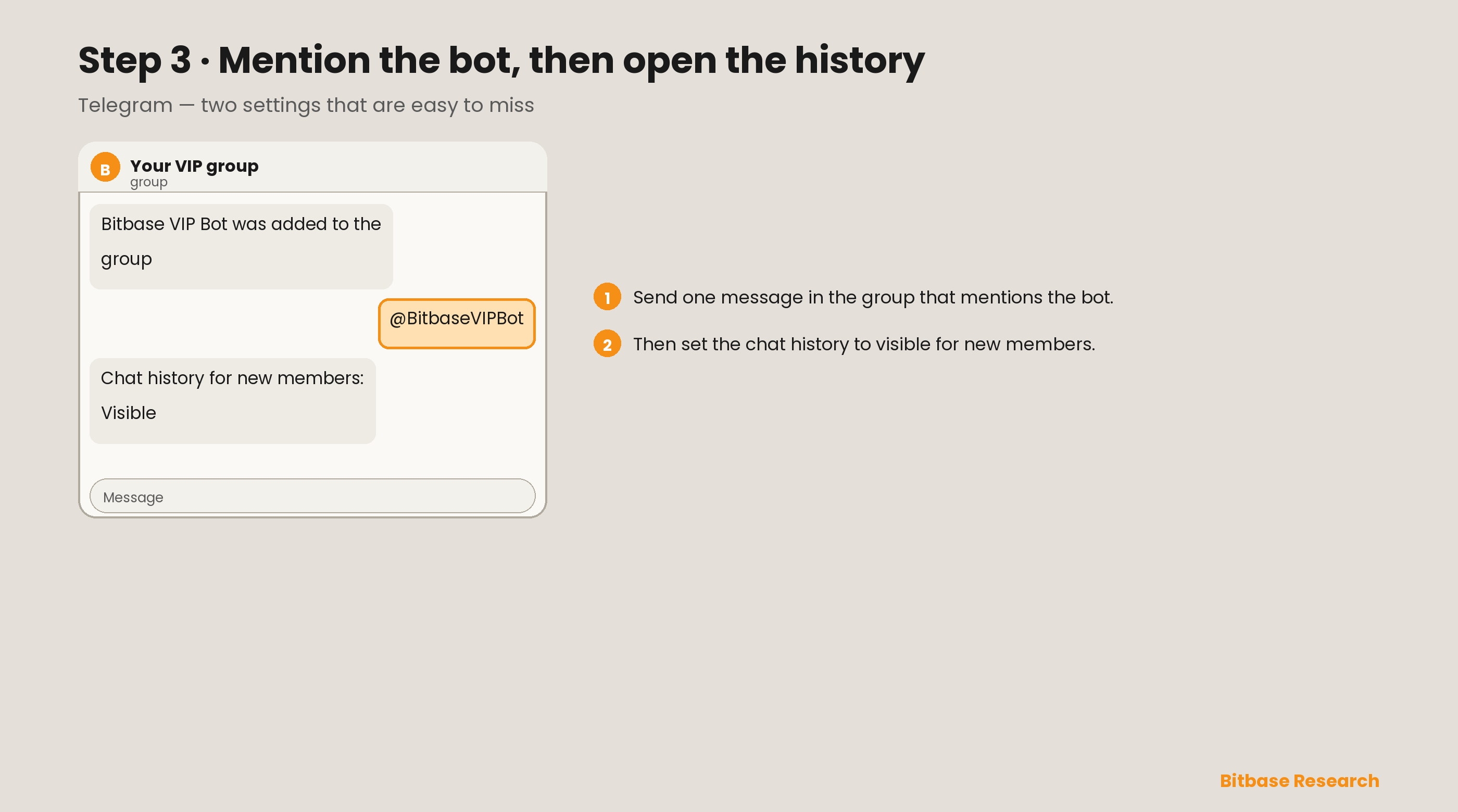
Send one message in the group that mentions the bot. Then set Chat history for new members to Visible.
Part 2 — Discord
Step 1 · Create the server
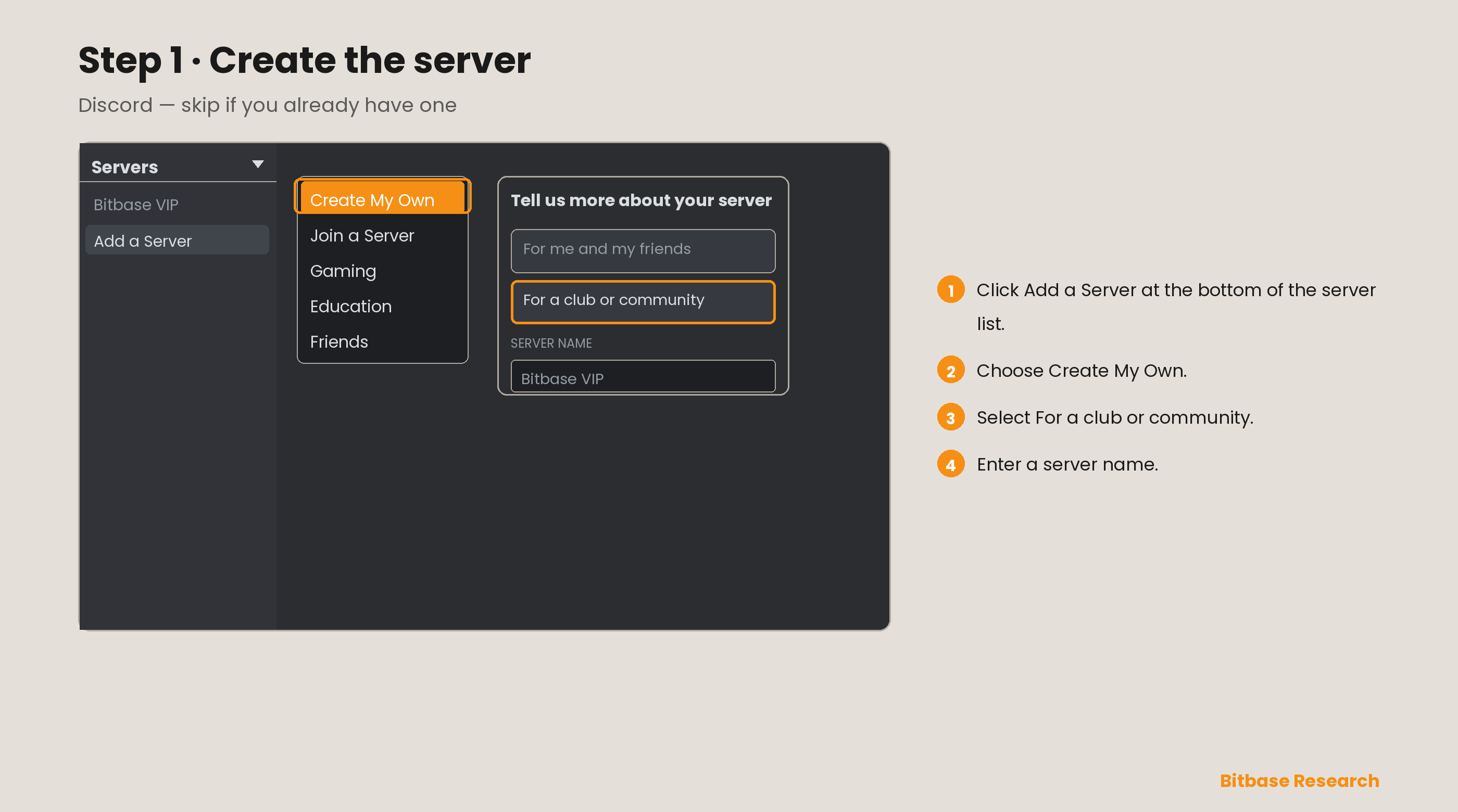
Skip this step if you already have a server. In Discord on the web, click Add a Server at the bottom of the server list, choose Create My Own, select For a club or community, and enter a server name.
Step 2 · Create the text channel
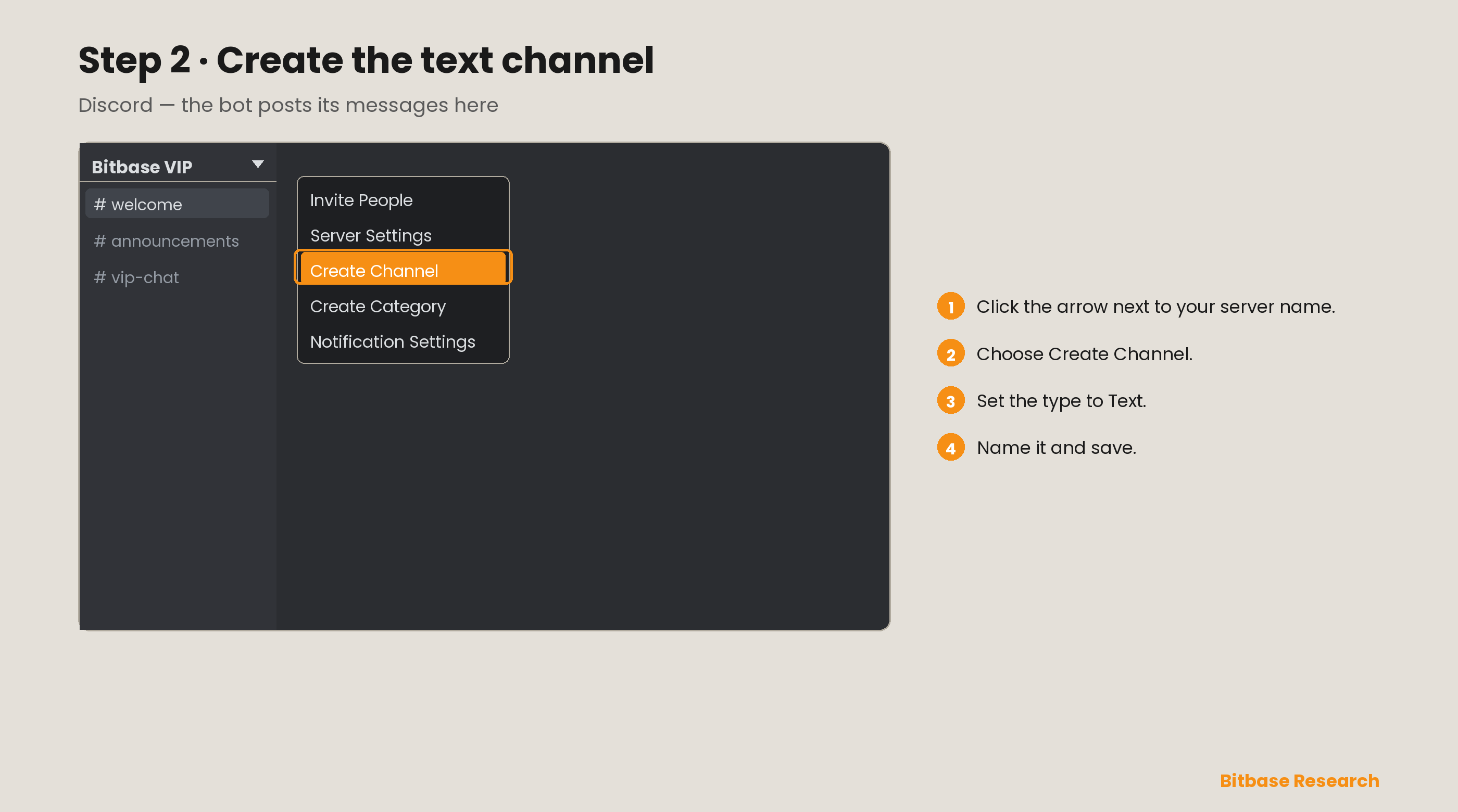
Click the arrow next to your server name and choose Create Channel. Set the type to Text, name it, and save.
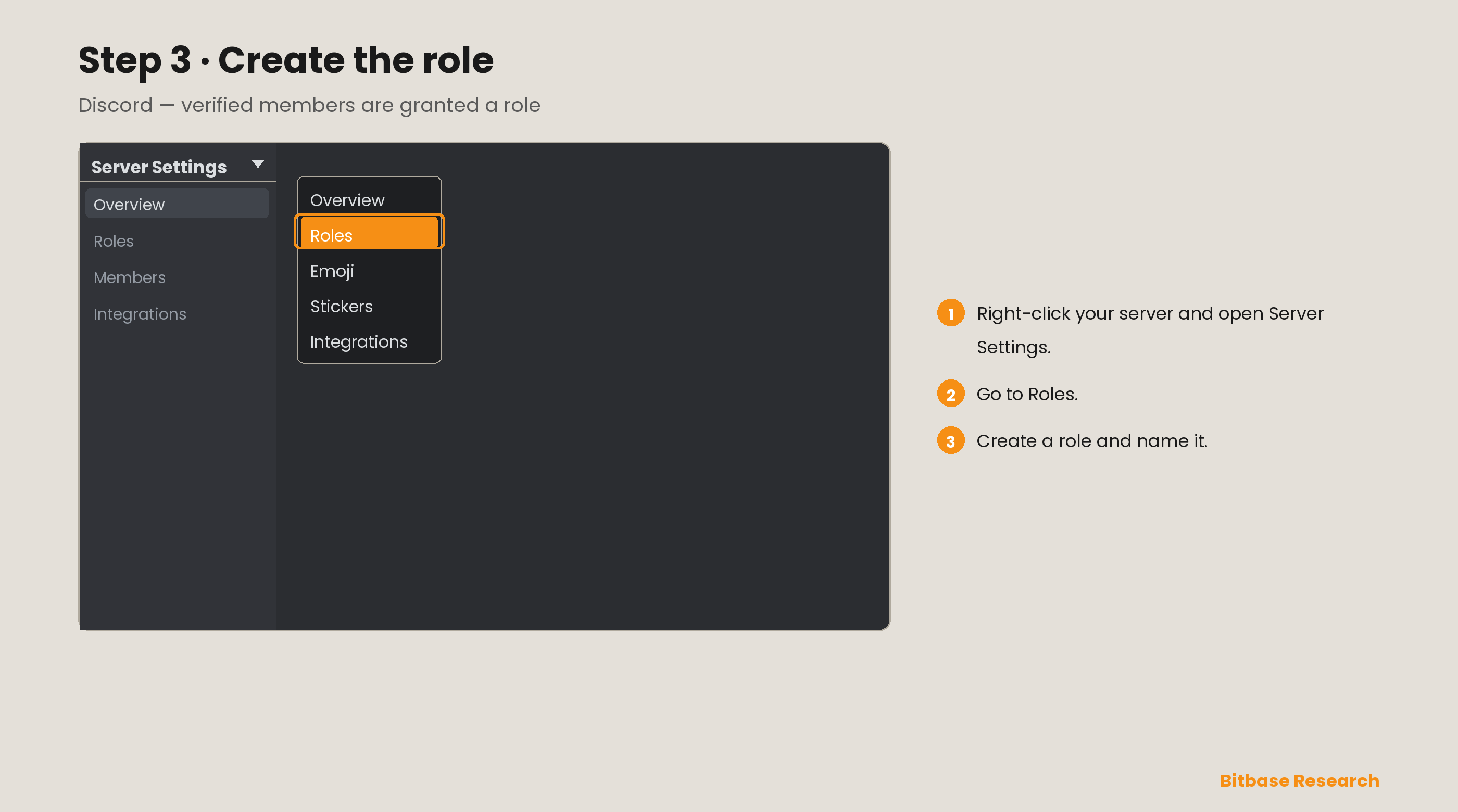
Step 3 · Create the role
Right-click your server, open Server Settings, and go to Roles. Create a role, name it, and save.
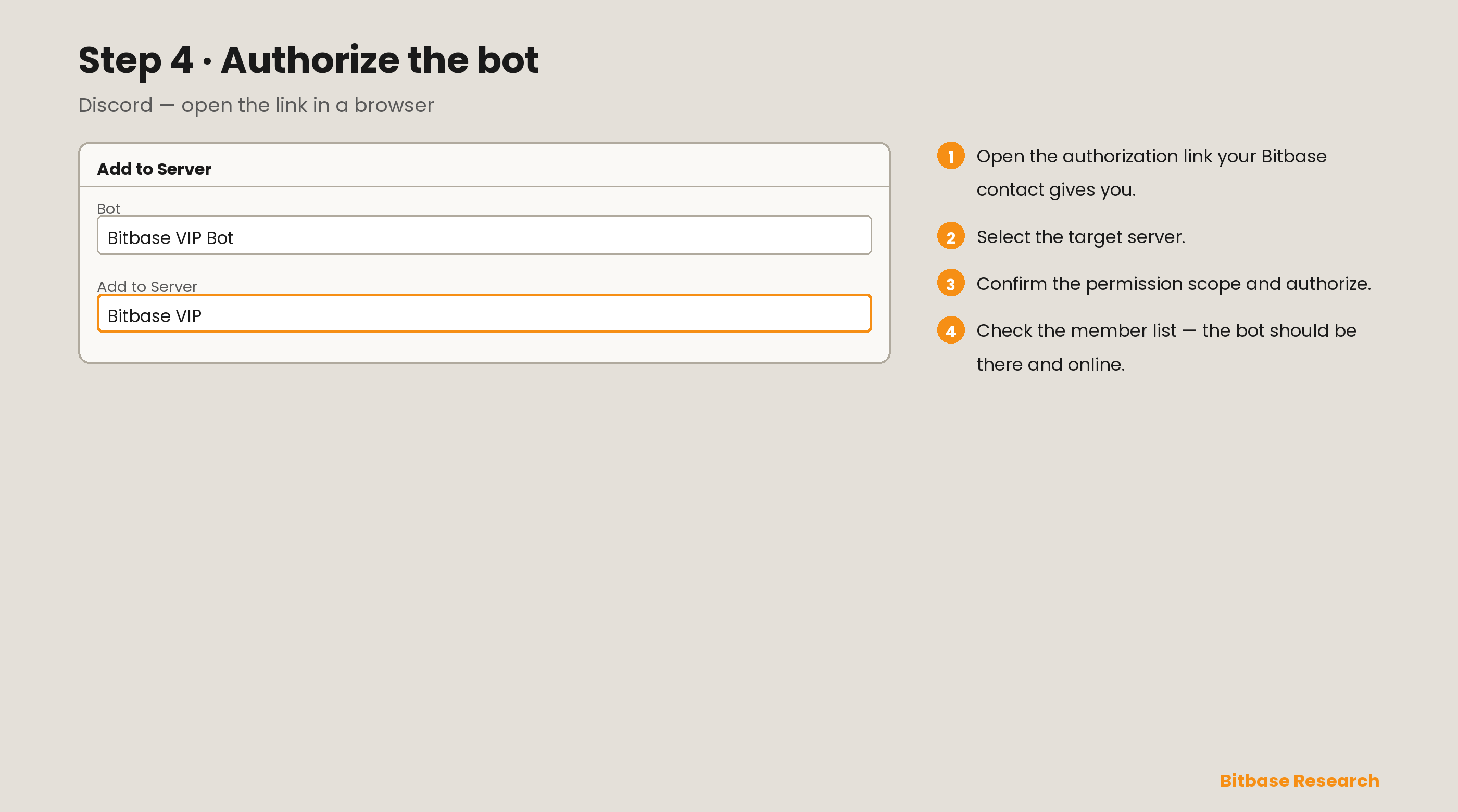
Step 4 · Authorize the bot
Invite your Bitbase contact to the server. Open the authorization link they send you in a browser, log in to Discord, select the target server, confirm the permissions, and authorize. Confirm the bot appears in the member list and is online.
Set the entry thresholds
Choose one or more conditions, and whether members must meet all of them or any one of them. The value you give is a minimum.
- Deposit amount
- Net deposit amount
- Futures trading volume
- Spot trading volume
The referral requirement always applies and is not configurable.
Send Bitbase your configuration
Send these values to your Bitbase contact in one message.
| Field | Notes |
|---|---|
| Your UID | The partner account the bot runs under |
| Your referral code | Builds the registration link the bot shows members |
| Bot name | — |
| Bot language | The language the bot speaks to your members |
| Target group or channel | Telegram: the group members join. Discord: the channel the bot posts in |
| Role to grant | Discord only — the role given after a member passes |
| Entry thresholds | The conditions above, and whether they are all-of or any-of |
By default the bot asks for a Bitbase UID and includes a registration link built from your referral code. Send your Bitbase contact your own wording if you prefer.
What your members see on Telegram
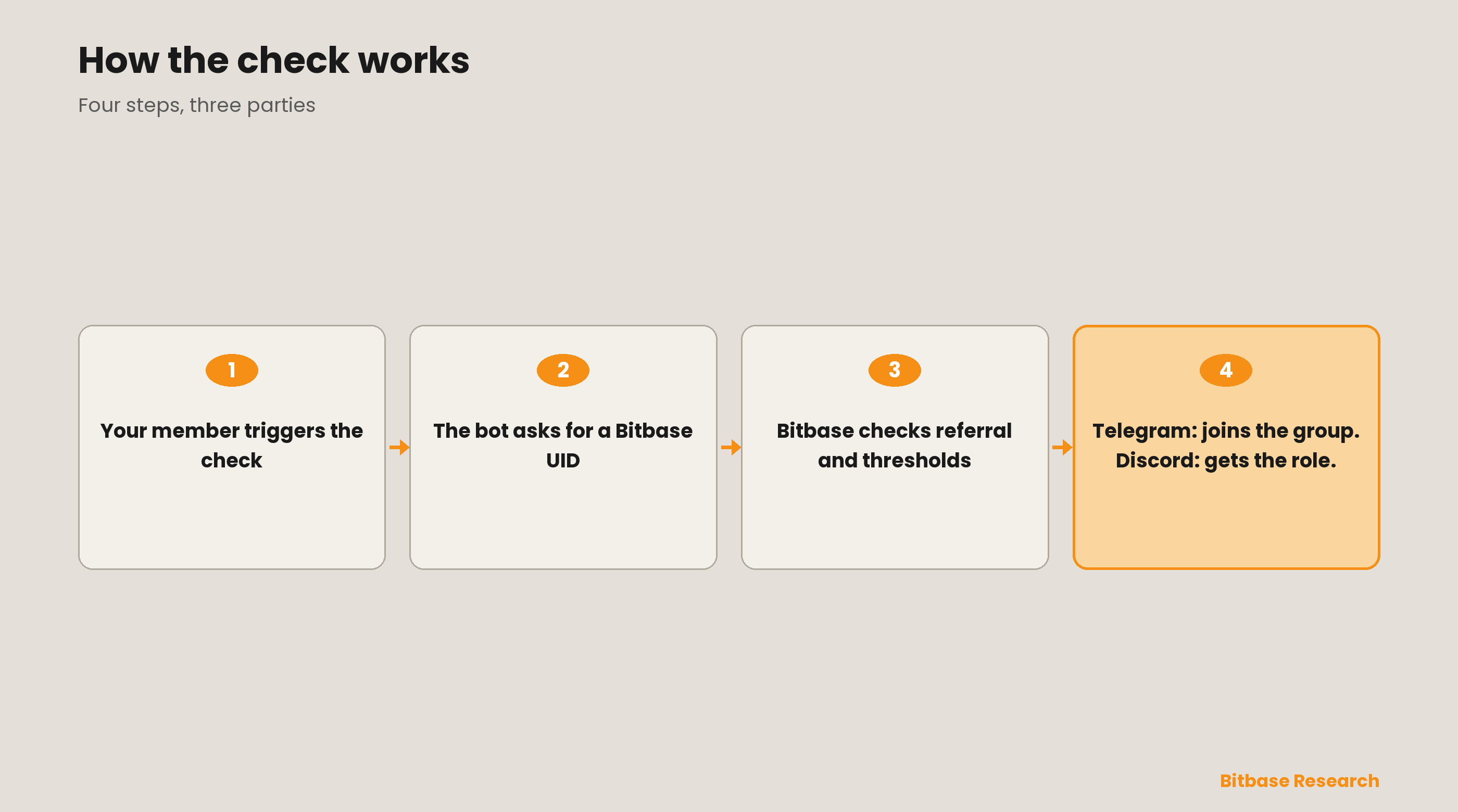
The member opens the bot from your profile, sends /start, and is asked for a Bitbase UID. The same message carries your registration link.
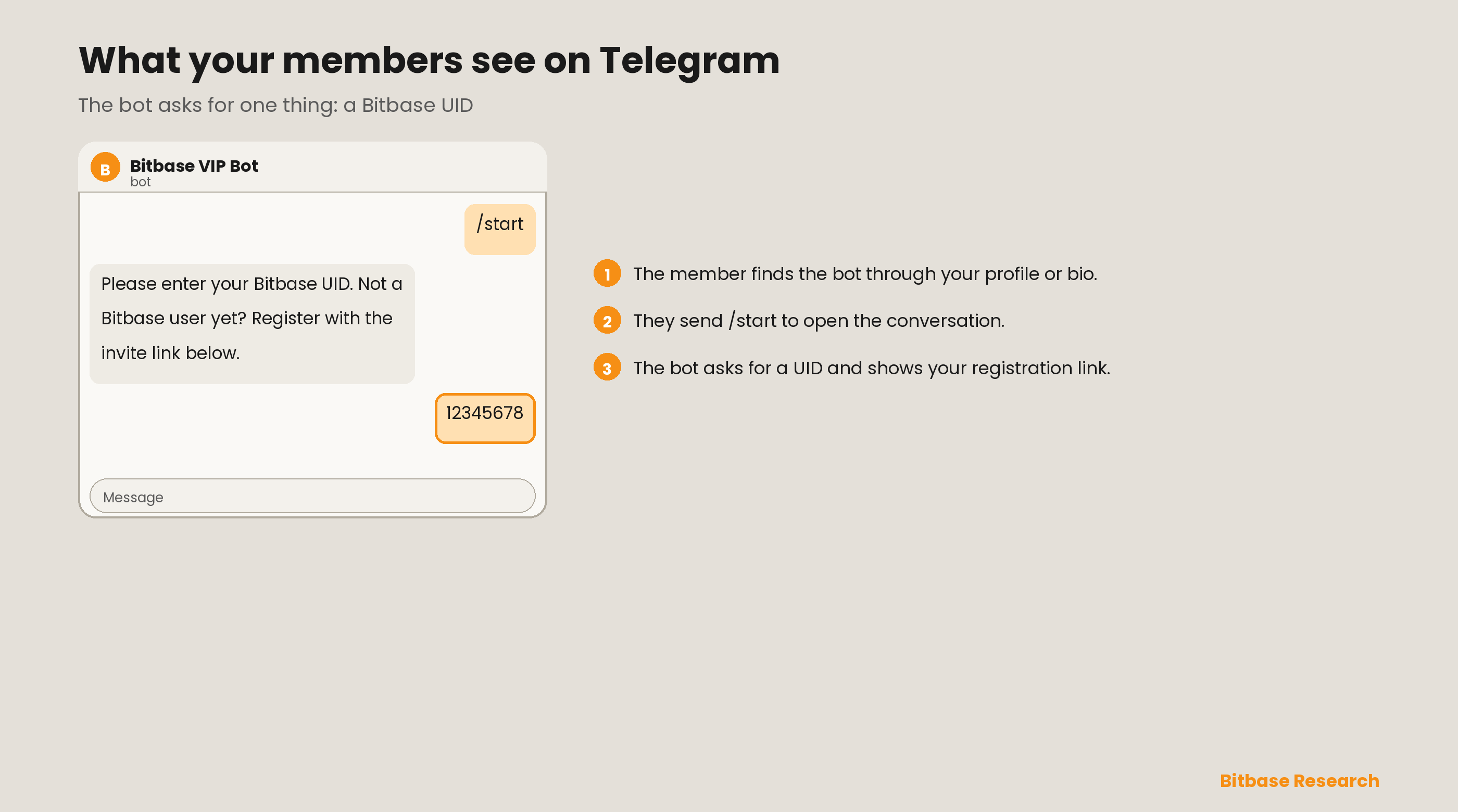
A member who passes receives a join link valid for fifteen minutes that cannot be forwarded. One UID admits one account.
What your members see on Discord
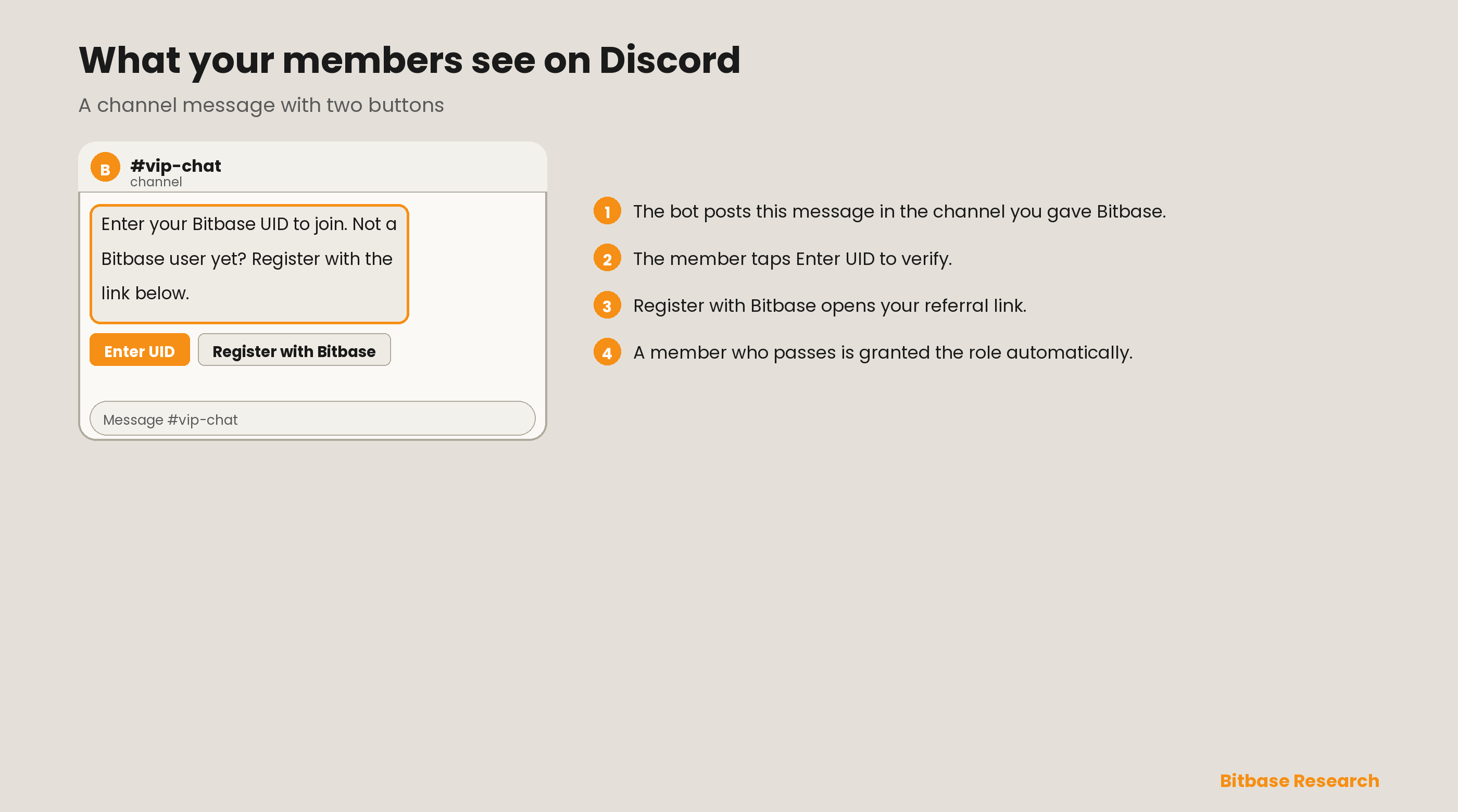
The bot posts a message in your channel. The member taps Enter UID to verify, or Register with Bitbase to sign up through your referral link. A member who passes is granted the role automatically.
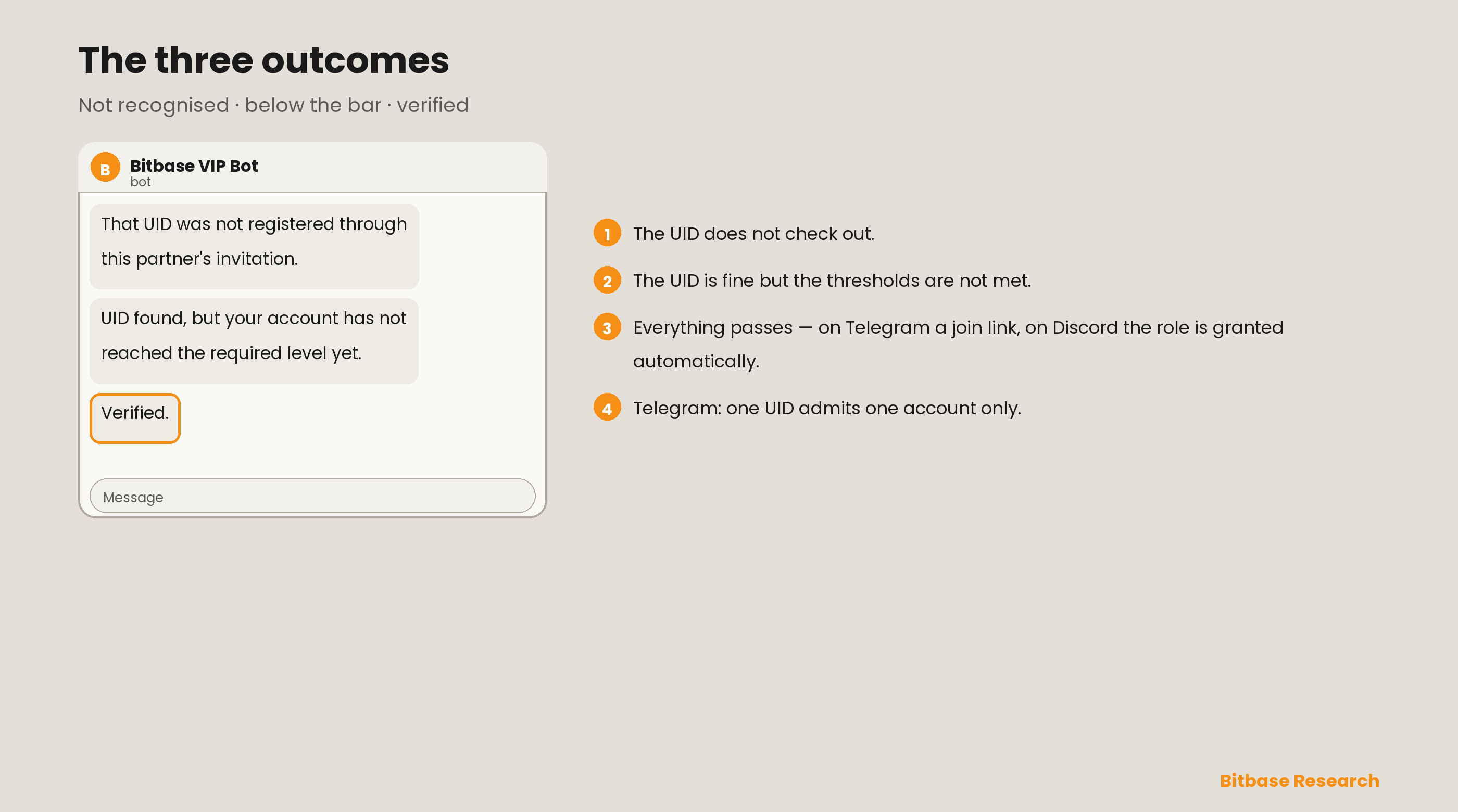
The three outcomes
Both platforms return one of three results:
- The UID does not check out.
- The UID is valid but the thresholds are not met.
- The member passes.
Before you go live
Confirm the following:
- The bot is an administrator of the target group, or online in your server.
- The chat history or the role is set.
- The bot link is published where your members will find it.
Related reading
Other Bitbase articles on this topic:
- How to Deposit and Withdraw Crypto on Bitbase - Web
- How to Download, Deposit and Withdraw Crypto on Bitbase - App
- How to Trade Crypto on the Bitbase App (Spot and Futures)
- How to Trade Crypto on Bitbase - Web (Spot and Futures)
- Bitbase Core Product and Execution Fee Guidelines
This is an official Bitbase product tutorial, provided for educational and informational purposes. Interface details, fees, and limits may change; always refer to the live bitbase.com for the latest. Written as of September 2026.