You send an order for 10,000 units and the book holds only 1,000 at your price. What happens to the other 9,000? Every order already carries an answer to that question before it is sent. Fill or kill, immediate or cancel, and all or none are three ways of answering it, and they are not three flavours of one setting.
What a time in force actually decides
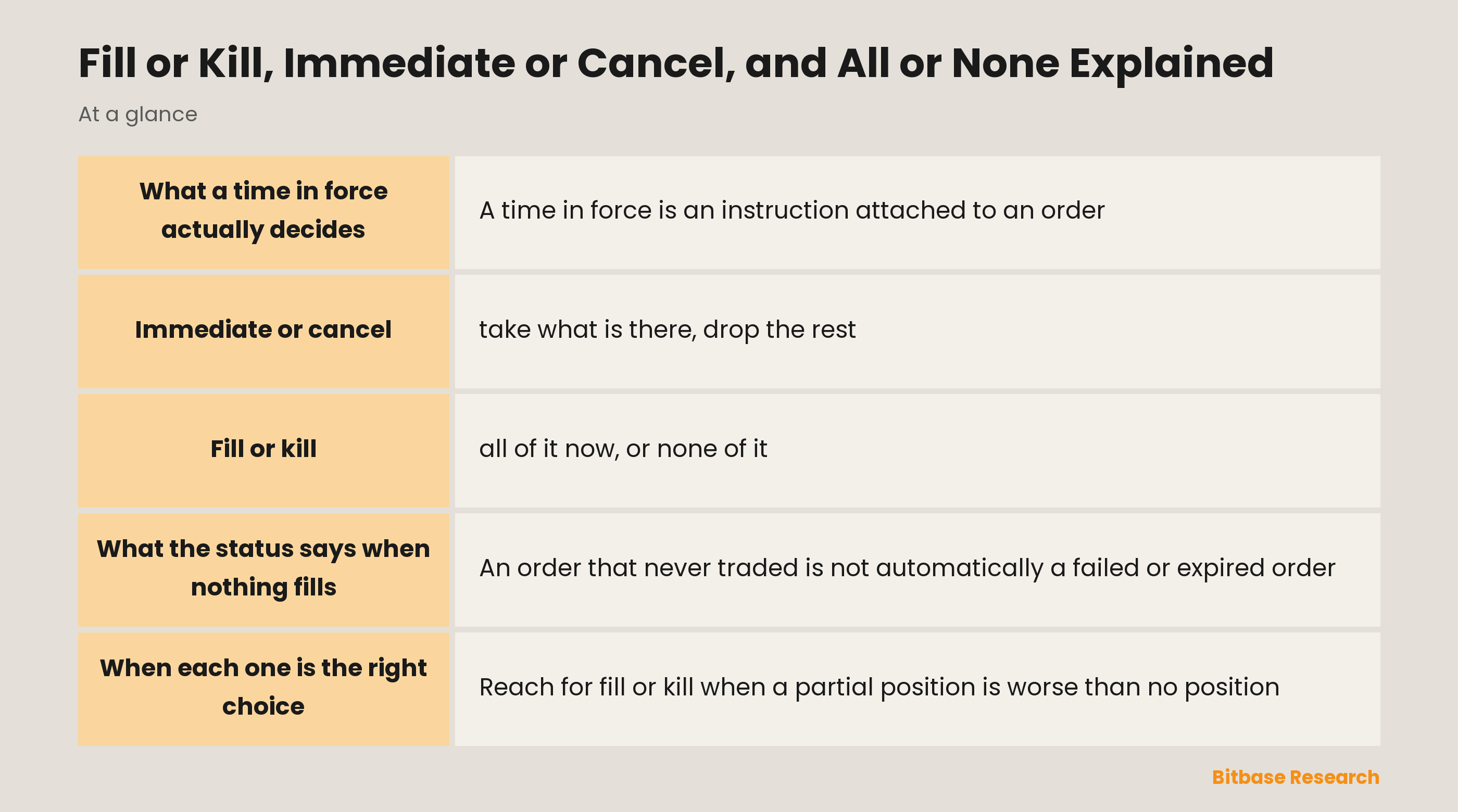
A time in force is an instruction attached to an order, and it settles exactly one question: what happens to the part that cannot be filled right now. Either that part waits on the book, or it is discarded at the moment of matching.
That is the whole axis. A good-till-cancelled order takes the first branch and waits until it fills or you remove it. A good-till-date order waits the same way but stops at a deadline you set. Immediate or cancel and fill or kill take the second branch, where nothing is left waiting at all.
The FIX protocol, a long-standing industry specification for order handling, defines the field as specifying how long the order remains in effect, and its own default is a trading-day setting inherited from venues that close. Kraken sets good-till-cancelled as the default on its own order interface. Written out in full on first use, the three settings are shortened from here on to IOC, FOK, and AON.
Immediate or cancel: take what is there, drop the rest
An immediate-or-cancel order trades whatever it can against the book at that moment and discards the remainder. It permits a partial fill: if 1,000 of your 10,000 can trade at your price, 1,000 trades and the other 9,000 simply stops existing.
Kraken describes the setting as one that immediately cancels back any quantity that cannot be filled on arrival. Coinbase words the same behaviour as cancelling any remaining quantity. Two venues, one mechanism.
Immediate here refers to the matching moment, not to speed. When the book is deep enough to absorb the whole order, an IOC and an ordinary limit order at the same price follow the same route and end in the same place. The difference appears only at the instant something is left over.
Fill or kill: all of it now, or none of it
A fill-or-kill order adds one condition to that same immediacy: the entire quantity, or nothing. It is an IOC plus a completeness requirement, and both conditions have to hold together. If 9,000 of your 10,000 could trade, an IOC trades the 9,000 and a FOK trades nothing.
What a FOK guarantees is quantity, not price. It can complete in full at a much worse average than the price you were looking at, because it consumes whatever depth is needed to finish the job. Price control is a separate instrument, a limit price or a slippage tolerance, and reaching for fill or kill to avoid a bad price asks it for something it does not provide.
Kraken records one further restriction worth knowing before you look for the setting: its fill-or-kill option is available for limit orders only.
All or none is a different setting, not a third deadline
All or none looks like a sibling of fill or kill, and it is not. In FIX, the time in force lives in one field with eight values, and all or none is not among them. It lives in a separate field for order-handling instructions, under the code G, described there as all or none.
The consequence is practical rather than clerical. Because AON sits on a different field, it can be combined with a deadline: an all-or-none order that is also good-till-cancelled rests on the book and waits, but will only ever trade in one complete piece. Fill or kill bundles immediacy and completeness into a single time-in-force value, so it cannot wait for anything.
| Can the remainder rest on the book | Partial fill allowed | Partial fill not allowed |
|---|---|---|
| Yes, it waits | Good-till-cancelled | All or none, resting |
| No, it is discarded | Immediate or cancel | Fill or kill |
What the status says when nothing fills
An order that never traded is not automatically a failed or expired order. Under FIX, an unfilled fill-or-kill or immediate-or-cancel order ends as canceled, and the specification lists these two as the explicit exceptions to the expired state.
That reads oddly against the ordinary meaning of cancelled, which implies something rested and was then removed. The reconciliation is that the order did become active; it simply never rested on the book. Coinbase states the same thing from the other direction: a fill-or-kill order is only posted to the book if it would be immediately and completely filled.
The official worked sequence makes the arithmetic visible. A fill-or-kill order for 10,000 that cannot be completed ends with nothing traded, so the filled quantity is 0 and the remaining quantity is 0. An immediate-or-cancel order for the same 10,000 that finds 1,000 available ends with 1,000 traded and 9,000 cancelled. Those same tables also carry a rejected branch, and the specification separately notes that an order can pass from new to rejected even after it has been acknowledged. Rejected and cancelled are two distinct outcomes, so read the status your venue reports rather than assuming which one applies.
The settings side by side
| Setting | The remainder | Partial fill | Which field it lives on |
|---|---|---|---|
| Good-till-cancelled | Rests until filled or removed | Allowed | Time in force |
| Good-till-date | Rests until your deadline | Allowed | Time in force |
| Immediate or cancel | Discarded at once | Allowed | Time in force |
| Fill or kill | Discarded at once | Not allowed | Time in force |
| All or none | Depends on the deadline it is paired with | Not allowed | Order-handling instruction |
When each one is the right choice
Reach for fill or kill when a partial position is worse than no position. An arbitrage leg or a hedge leg that only works at full size is the clear case: half of it is not half as good, it is a new and unwanted exposure. The price you accept for that certainty is that a near miss returns nothing at all.
Reach for immediate or cancel when you want to consume the liquidity currently in front of you without leaving a visible order behind. It works through the resting book much as a market order does, though a market order is about taking the best prices available rather than about what to do with a remainder.
Reach for a resting setting when waiting is the point. If your price is not on the book yet and you are content to sit until it arrives, discarding the order at the matching moment defeats the purpose.
The bottom line
A time in force answers one question and only one: what becomes of the quantity that cannot trade right now. Immediate or cancel discards the remainder and keeps what it got. Fill or kill refuses the partial result entirely, so it either completes or leaves you with nothing. All or none is not a deadline at all but a completeness rule on a different field, which is why it can wait on the book while fill or kill cannot.
Before you use one, check which of the two questions you are actually answering: how long the order should live, or whether an incomplete result is acceptable. Confusing the two is what turns fill or kill into an expected price protection, which it never was. To keep learning the fundamentals, follow more from Bitbase Academy.
Related reading
Other Bitbase articles on this topic:
- Order Book Imbalance, CVD, and Market Impact
- Buy Walls, Sell Walls, and Order Book Depth
- Maker vs Taker Fees in Crypto: What Is the Difference?
- Market Order Protection and Fat-Finger Limits
- The MACD Indicator Explained
Disclaimer: This article is educational content from Bitbase Academy, provided for information only. It does not constitute investment, trading, tax, or financial advice. Crypto assets are volatile; assess your own risk. Written as of September 2026; refer to the latest official information.
References
[1] FIX Trading Community, FIX Application Layer: Order State Changes (FIX Latest as of EP284, November 2023) fixtrading.org
[2] Onix Solutions, FIX 4.4 Dictionary, TimeInForce(59) onixs.biz
[3] Onix Solutions, FIX 4.4 Dictionary, ExecInst(18) onixs.biz
[4] Kraken API Documentation, WebSocket v2, Add Order (field time_in_force) docs.kraken.com
[5] Coinbase Developer Documentation, Advanced Trade API, Create Order docs.cdp.coinbase.com